
Tools to add a loved one to a photo, compared
Facts from each official website, checked
Five tools add a person into a photo you already have and are built for it: All of Us, Vidney, PhotoMemorial AI, AddFamilyPhoto and BringBack. The biggest differences are whether you need an account to try, whether you pay per image or per photo you keep, and whether the tool says it leaves everyone else in the photo unchanged. All of Us is the only one that shows previews with no account; Vidney and PhotoMemorial AI cost far less per image.
See 3 free previews →No account. No card.
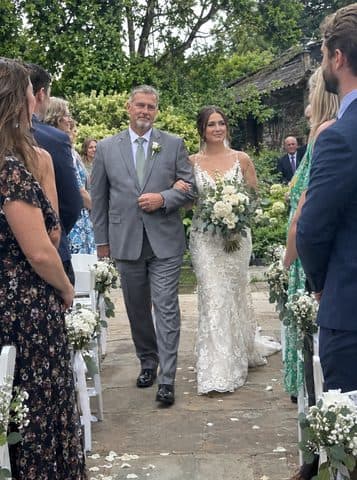

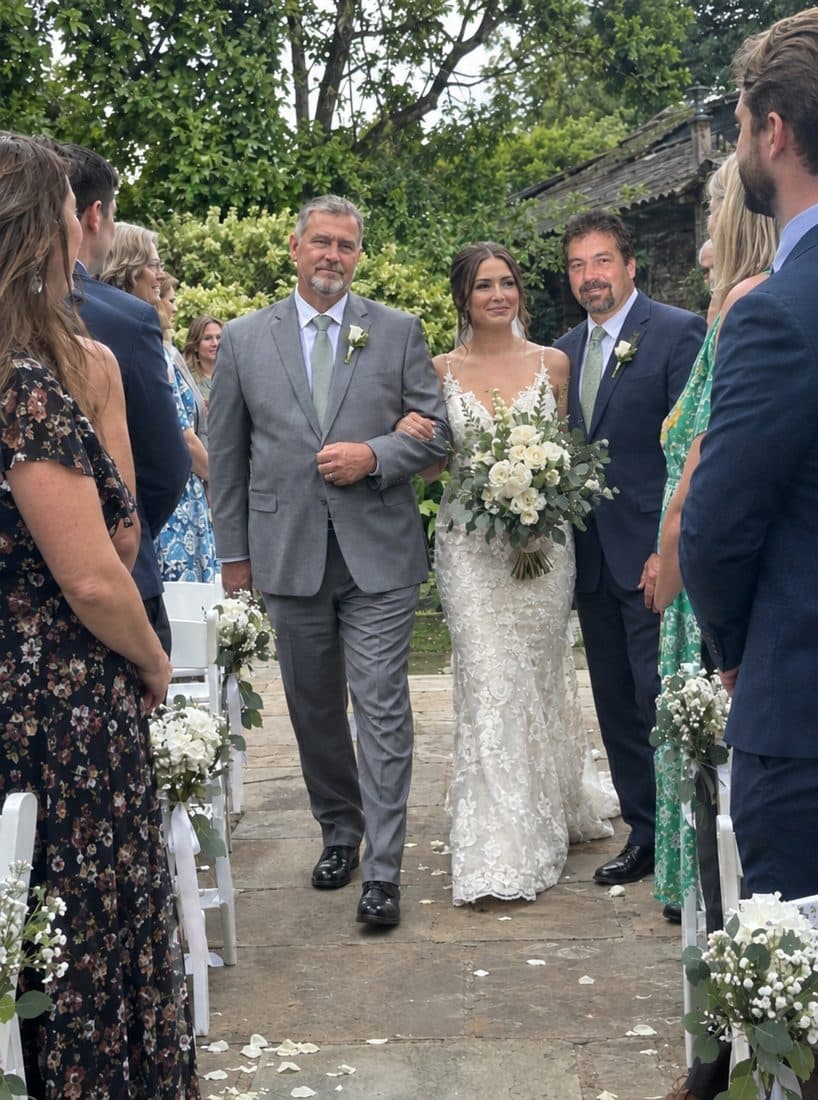
Made with All of Us
- See it before signing up3 watermarked previews with no account and no card.
- Your photo stays yoursPeople already in the photo are not changed. Only the person you add is new.
- Pay once, only if you keep oneOne-time payment, no subscription, and a 7-day refund.
Side by side
From each tool's official website, checked November 5, 2026. "Not stated" means the site does not say; "Unclear" means its pages disagree.
| Field | All of Us | Vidney | PhotoMemorial AI | AddFamilyPhoto | BringBack |
|---|---|---|---|---|---|
| What it is | Adds a loved one who has passed into a photo you already have. Made only for this. | General AI video and image platform with an "add a deceased loved one" photo effect. | Made for memorial photos: combines a family photo with a portrait. Also restores and animates photos. | Made for adding an absent or deceased loved one into a family photo. | Old-photo toolkit (restore, animate) with an "add a deceased loved one" tool. |
| Account to try | No account and no card to see previews | Account required (Google sign-in); no card | Account required (Google or email) | Free account required; no card | Not stated; results are saved to your account |
| Free to try | 3 watermarked previews per project | 10–30 free credits depending on country (5 credits per image); free downloads carry a watermark | None: no free generations | 1 watermarked preview | None: no free tier or free trial |
| Price | $29 / $49 / $79 one-time, no subscription | $0.99 for one image or $1.99 for three; also subscriptions from $9/month and credit packs | $4.90 for 10 credits, $9.90 for 20, $19.90 for 40 (1 credit = 1 photo), one-time | $19 one-time for 4 photos of one moment (up to 3 free retries); $49 for 5 moments | $4.99 for 4 credits, $9.99 for 20, $21.99 for 60; adding a person uses 2 credits; one-time |
| Others in the photo unchanged | Yes, stated: people already in the photo are not changed | Yes, stated: everyone already in the photo stays as they were | Not guaranteed, stated: "does not guarantee that every person … will stay unchanged" | Not stated | Not stated |
| People per photo | One per photo; Whole family ($79) adds a second | One person per run | Not stated | One per run; run again on the result to add a second | One per run; run again to add more |
| Old / black-and-white photos | Yes, including faded, black-and-white and phone pictures of prints | Yes, including faded and black-and-white | Scans of old prints: yes. Black-and-white: not stated | Yes, including black-and-white | Yes; suggests colorizing a black-and-white portrait first when the photo is in color |
| Refund | Full refund within 7 days, no reason needed | Subscriptions: within 14 days if under 20% of credits used. One-time purchases: not stated | Within 14 days, in proportion to unused credits | Within 7 days: full if no credits used, pro-rata if partly used; one refund per account | 30-day money-back guarantee on web purchases (the refund page also lists conditions) |
| Photo deletion | Unpaid projects deleted after 30 days; paid albums kept 365 days; delete any time | Kept while the account is active; deleted within 90 days of closing it | Kept until you delete the photo or close the account | Uploads and results deleted after 180 days; delete any time | Unclear: pricing page says "Auto-delete"; privacy policy says it does not claim automatic deletion and keeps results until you delete them |
| AI training | Not used to train AI models | Not used to train AI models (model providers follow their own policies) | Says it cannot promise photos sent to its processing provider are excluded from training | Not used to train AI models | Not used to train "general-purpose" AI models |
Different approach: DuoPortrait and ImageCombiner
These two come up in the same searches but work differently. DuoPortrait builds a brand-new portrait of two people from one photo of each, so it is for making a new picture together rather than adding someone to a photo you already have. ImageCombiner is a general tool for combining two images; it mentions adding a deceased loved one as one use, and states that existing faces may change.
| Field | DuoPortrait | ImageCombiner |
|---|---|---|
| What it is | Generates a new two-person portrait from one photo of each person. It does not edit a photo you already have. | General tool that combines two images with AI. Adding a deceased loved one is one use it mentions. |
| Account to try | Free account required; no card | Free account required; no card |
| Free to try | First photo free | 10 free credits, no watermark |
| Price | $4.99 for 50 credits, $9.99 for 300, $19.99 for 1,000, one-time | Subscriptions from $9.90/month; one-time packs $5.99 for 40 credits, $12.99 for 100 |
| Others in the photo unchanged | Not applicable: it creates a new scene | Not guaranteed, stated: "generation can alter existing faces and background details" |
| People per photo | Two people (one photo of each) | Not stated |
| Old / black-and-white photos | Old photos: yes. Black-and-white: not stated | Not stated |
| Refund | Not stated (no refund page found) | Subscriptions: within 14 days if 20% or less of credits used. One-time packs: not stated |
| Photo deletion | Removed after 7 days; delete any time | Unclear: privacy policy says kept while the account is active; FAQ says stored temporarily |
| AI training | Not used to fine-tune its models | Not used to train models |
Which one fits
If you want to see a result before signing up or paying
All of Us shows 3 watermarked previews with no account and no card. AddFamilyPhoto gives 1 watermarked preview after you create a free account. Vidney gives free credits after Google sign-in, with a watermark on free downloads. PhotoMemorial AI and BringBack have no free tries.
- All of Us
- AddFamilyPhoto
- Vidney
If the lowest price per image matters most
Vidney sells single images for $0.99 (or 3 for $1.99). PhotoMemorial AI is $4.90 for 10 photos. BringBack is $4.99 for 4 credits, and adding a person uses 2. These tools charge per attempt, whether or not you keep the result.
- Vidney
- PhotoMemorial AI
- BringBack
If everyone else in the photo must stay exactly the same
All of Us and Vidney both state that people already in the photo are not changed. PhotoMemorial AI and ImageCombiner state that they do not guarantee it. AddFamilyPhoto and BringBack do not say.
- All of Us
- Vidney
If you want two loved ones in one photo
All of Us's Whole family plan ($79) adds a second person. Vidney, AddFamilyPhoto and BringBack add one person per run; you can run the result again.
- All of Us
- AddFamilyPhoto
- BringBack
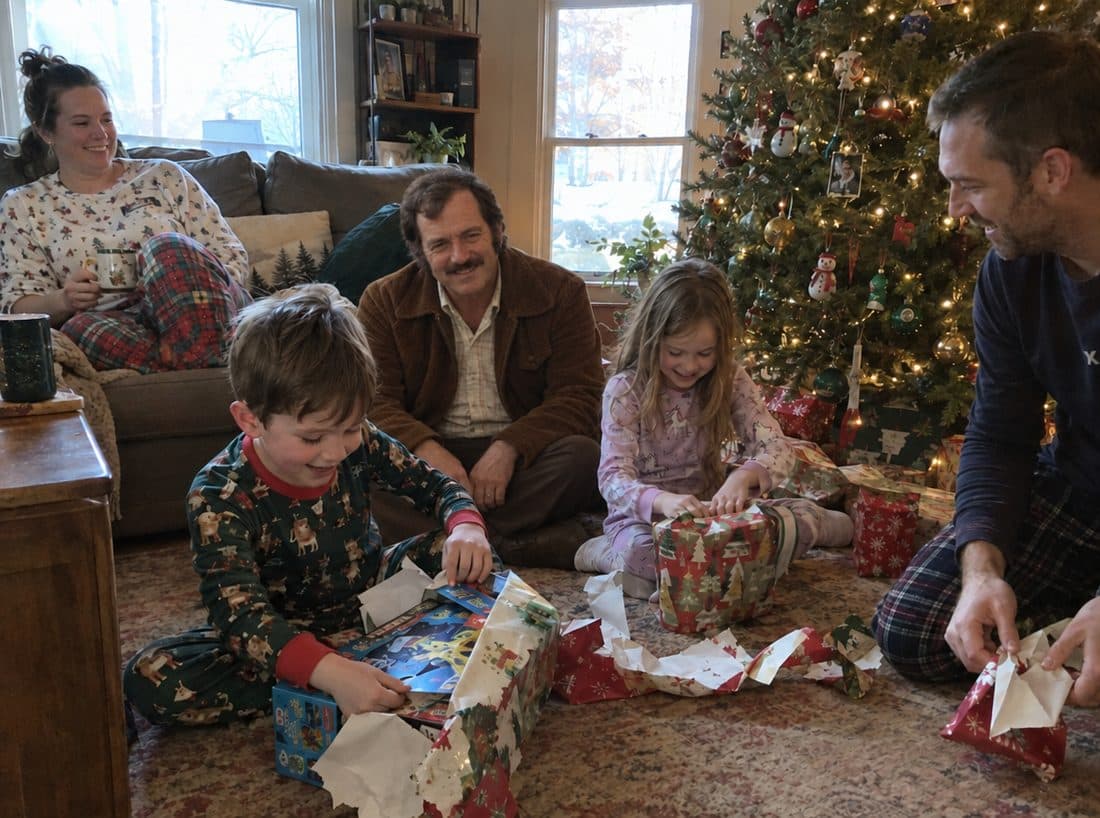
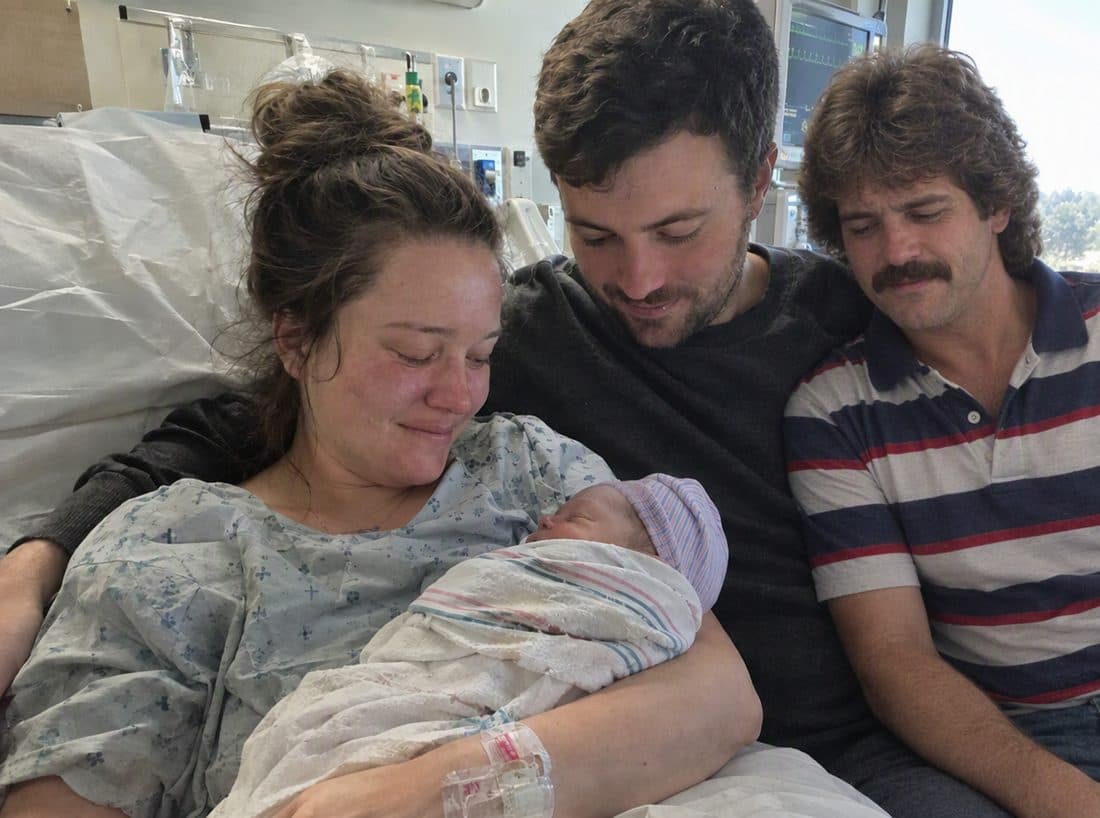
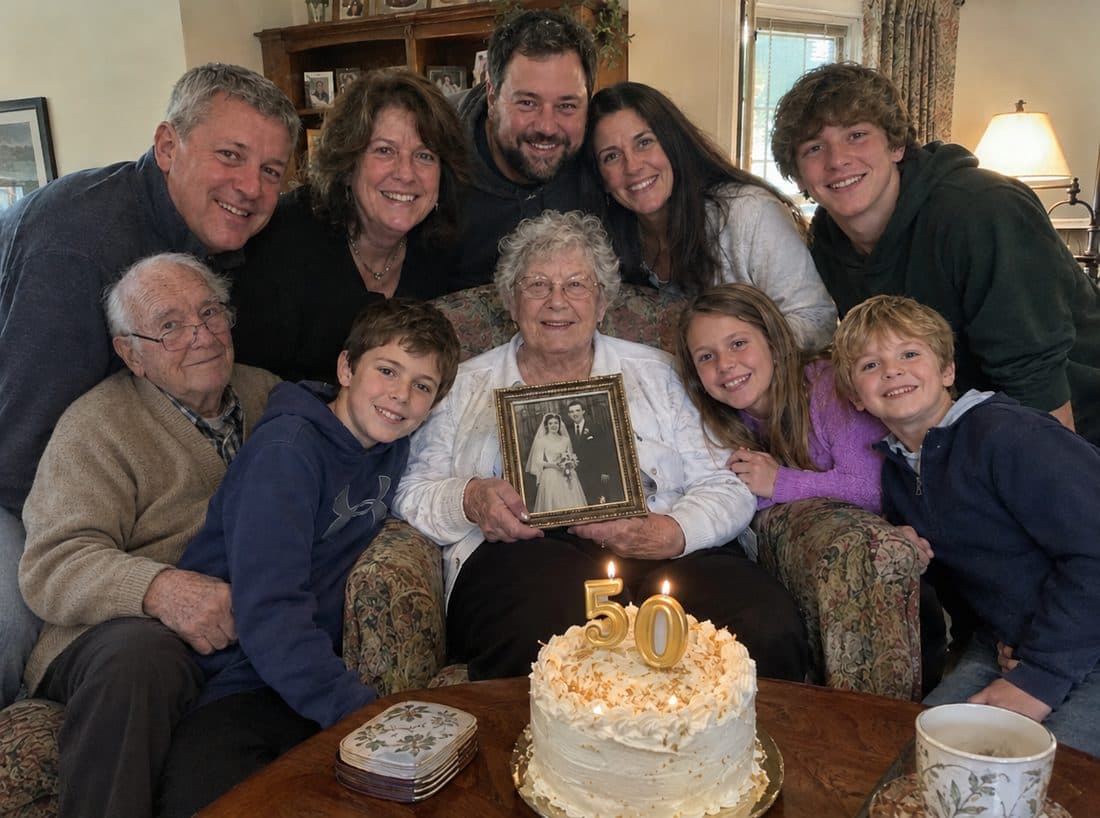
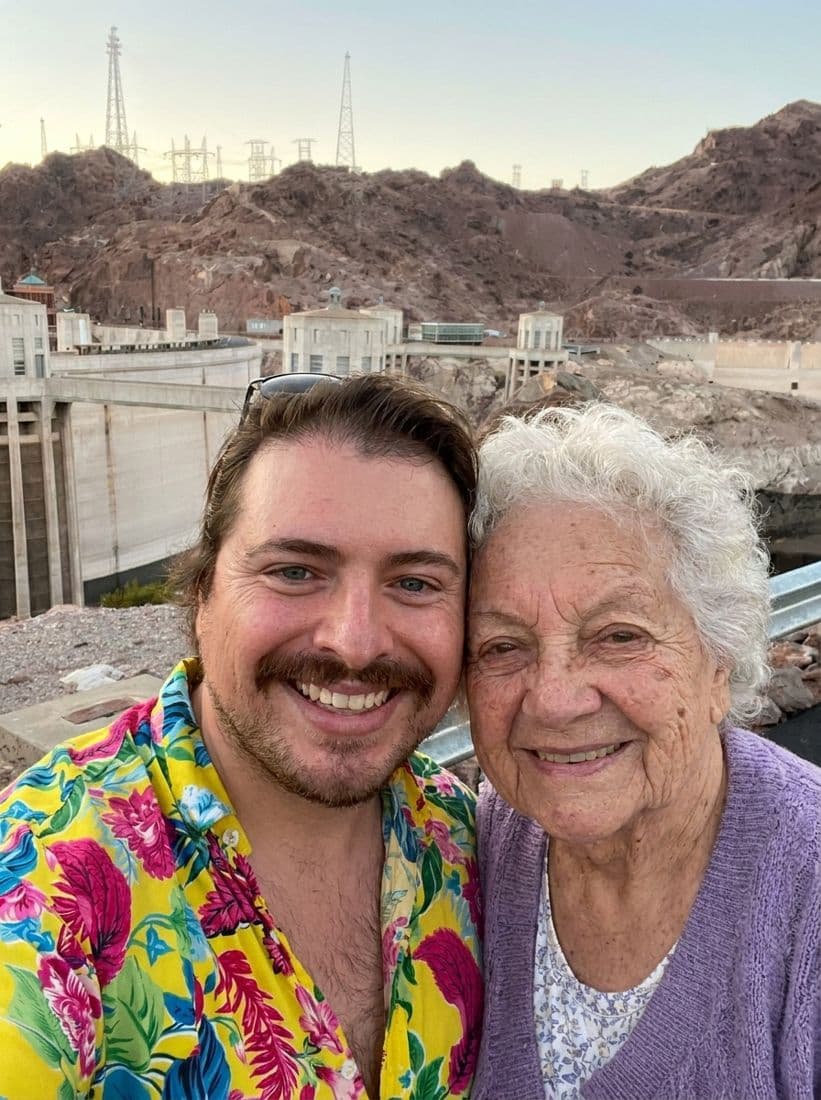
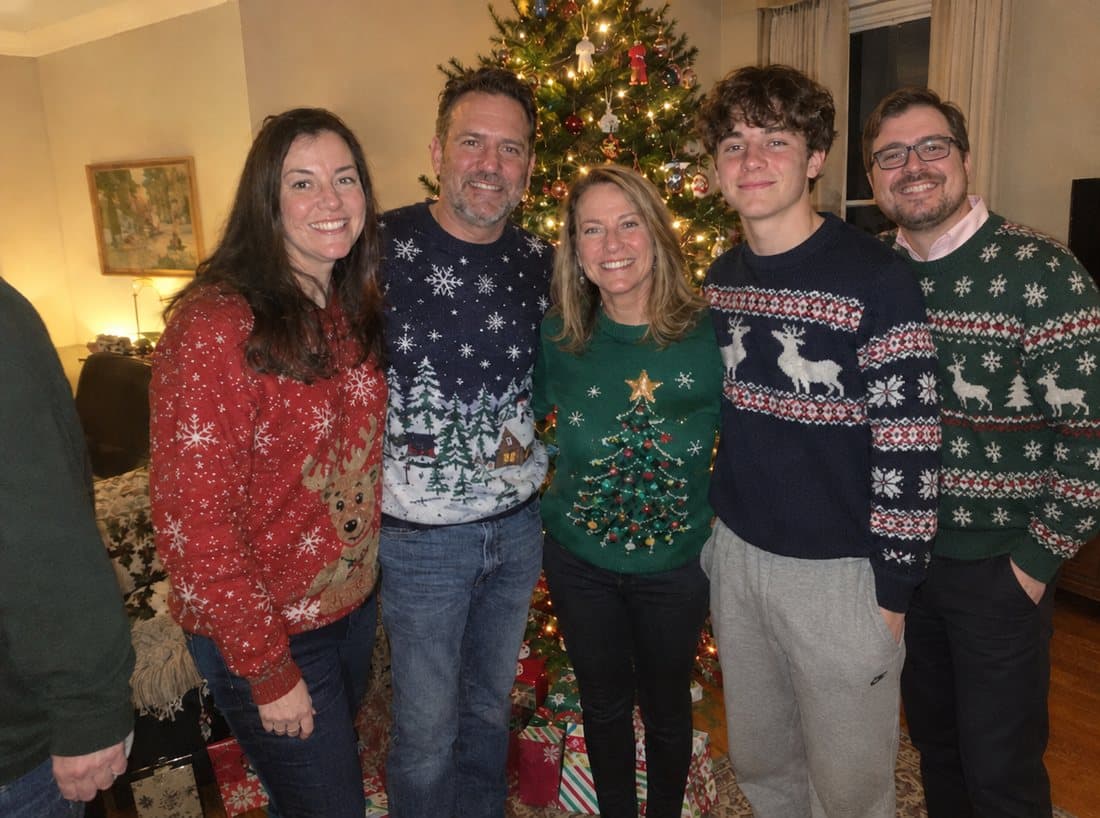
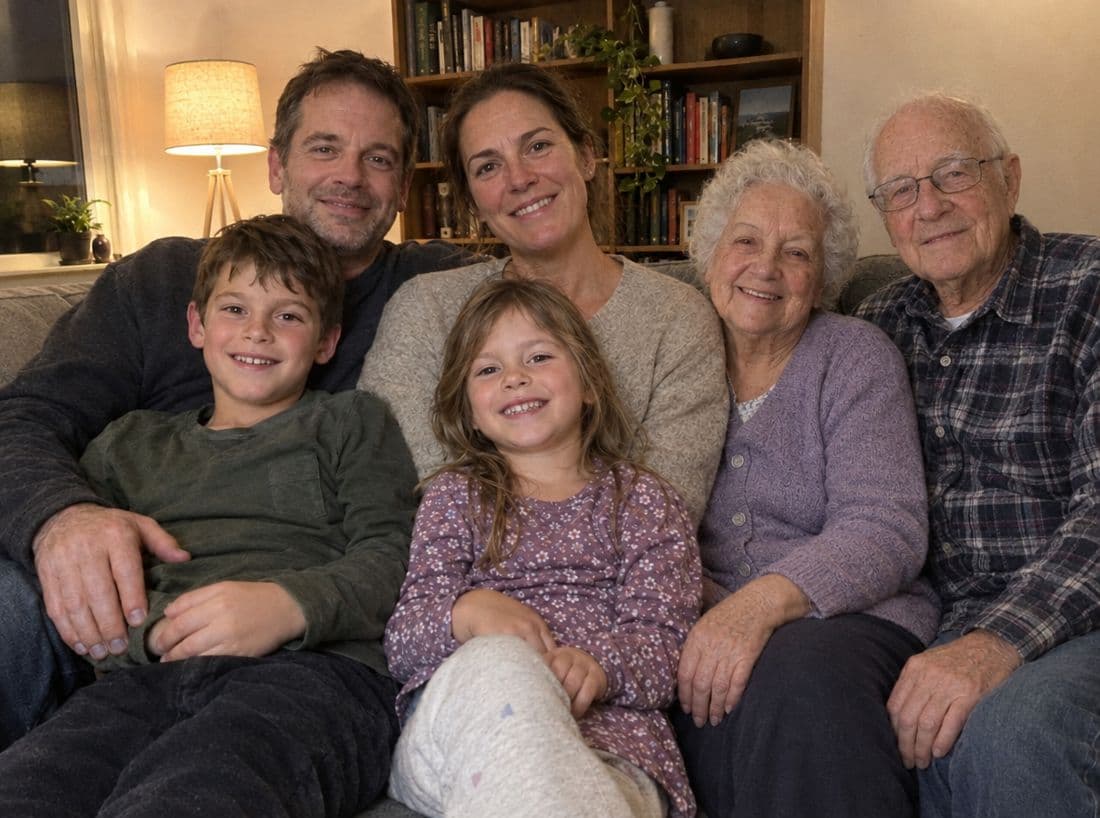
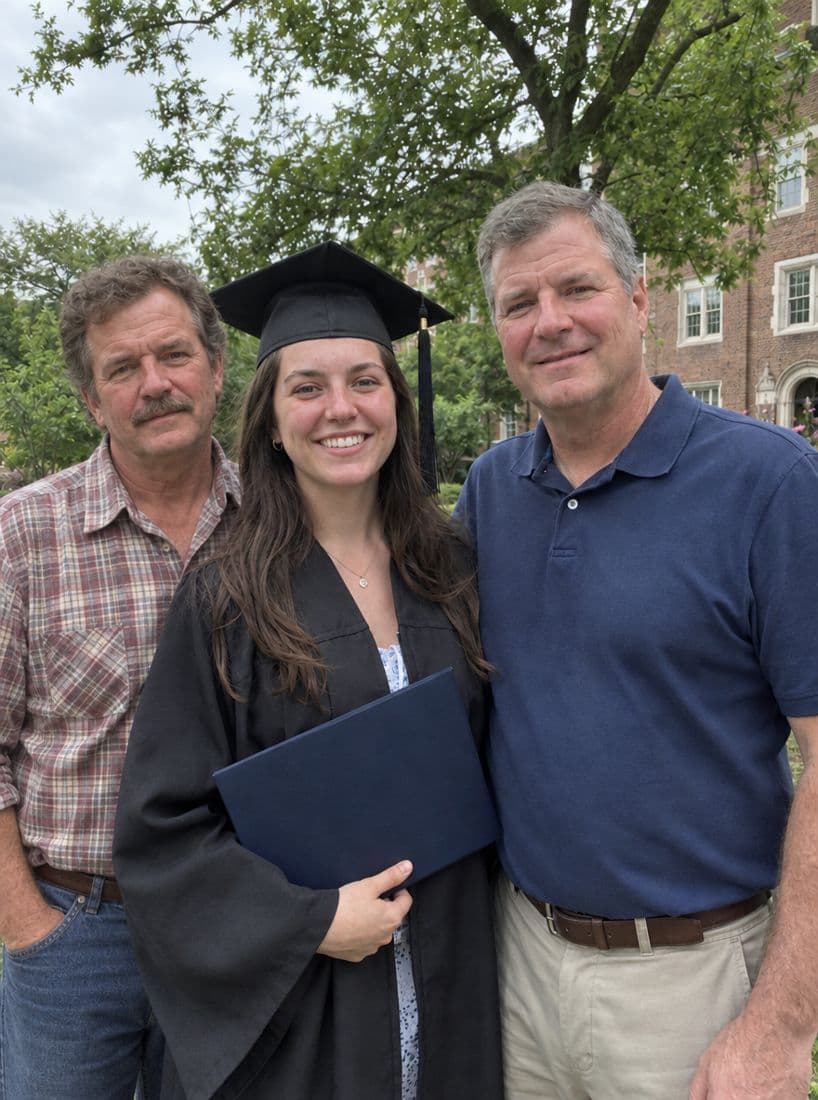
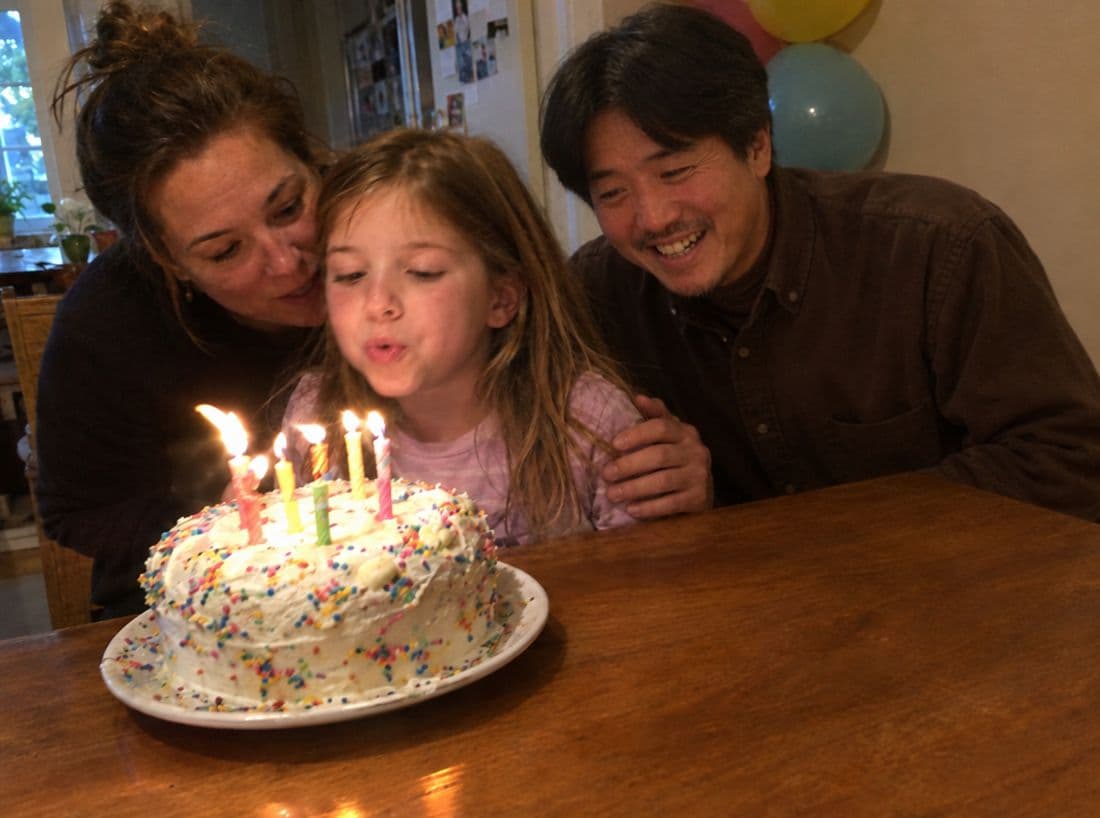
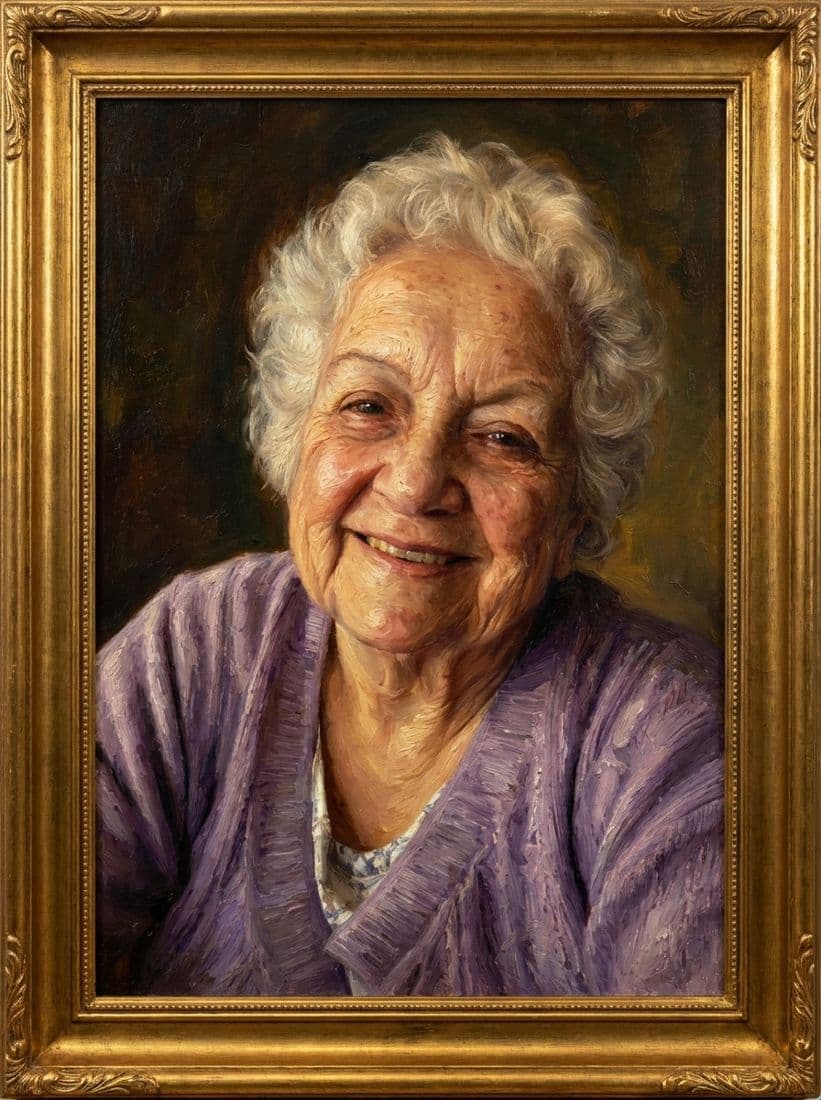
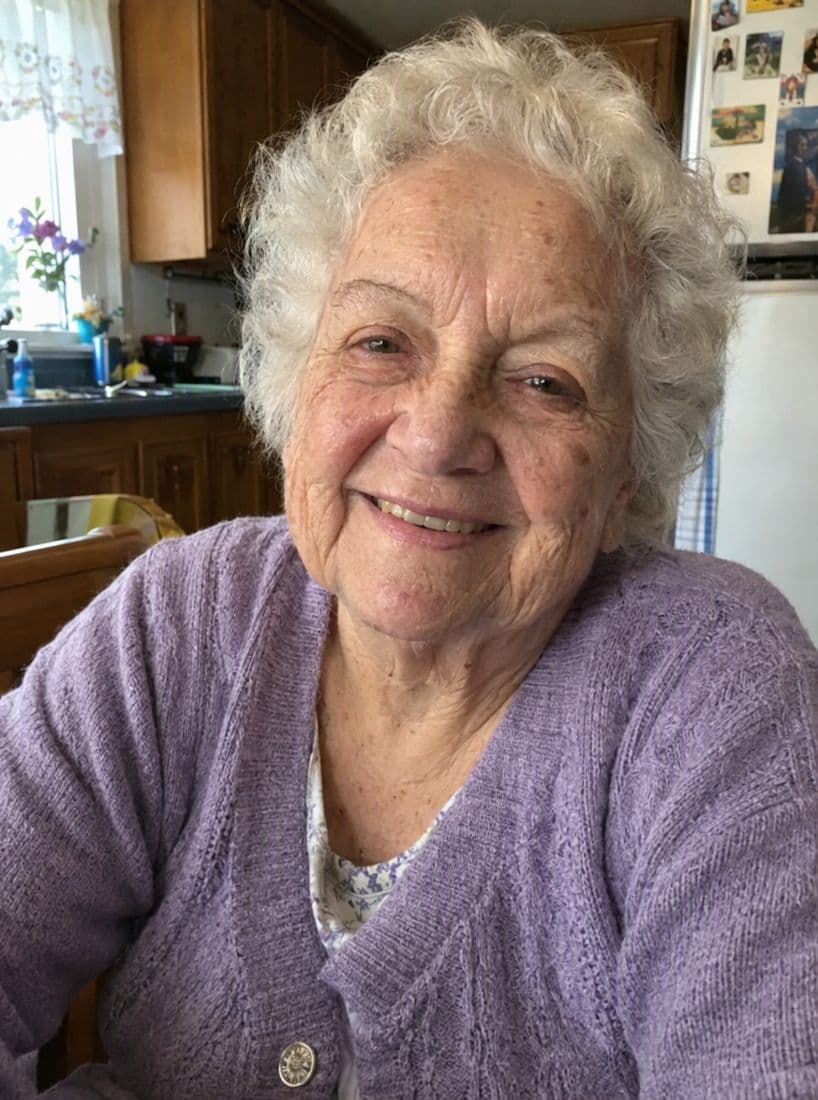
What a result from All of Us looks like
Each one started as two separate photos: the photo from the day, and one picture of the person who was added.
What All of Us doesn't do
- The lowest price is $29. Per image, Vidney ($0.99) and PhotoMemorial AI ($4.90 for 10) cost much less.
- The free previews carry a watermark. You pay to download a clean, full-resolution photo.
- One loved one per photo on The photo and Keepsake set; adding a second needs Whole family ($79).
- There is no app. It works in the browser on a phone or computer.
- Results are AI-generated images, not real photographs.
How we compared
We make All of Us.
We make All of Us, so read this with that in mind. Every fact about another tool comes from that tool's own website, checked on November 5, 2026. "Not stated" means we could not find it on their site. "Unclear" means their pages say different things, and we show both. We did not run the same photo through every tool, so this page does not judge image quality. Prices are in US dollars and can change; check each site before you pay.
Checked
Is there a free way to add a deceased loved one to a photo?
You can try several tools for free, but most charge for a clean, full-resolution result. All of Us shows 3 watermarked previews with no account. Vidney gives free credits after sign-in (free downloads are watermarked). AddFamilyPhoto gives 1 watermarked preview with a free account. ImageCombiner gives 10 free credits and DuoPortrait a free first photo, but both work differently from the others.
Which tools say they keep everyone else in the photo unchanged?
All of Us and Vidney state it. PhotoMemorial AI and ImageCombiner state they do not guarantee it. AddFamilyPhoto and BringBack do not say either way.
Which one is cheapest?
Per image, Vidney ($0.99) and PhotoMemorial AI ($4.90 for 10) are cheapest. All of Us costs $29 to $79, but you pay once, only for a photo you decide to keep, after seeing previews.
Do these tools use my photos to train AI?
All of Us, Vidney, AddFamilyPhoto and ImageCombiner say they do not. BringBack says not for "general-purpose" models, DuoPortrait says it does not fine-tune on uploads, and PhotoMemorial AI says it cannot promise that its processing provider excludes them from training.


Bring them into the picture
It takes a few minutes. See three previews first, and decide after.
Add them to your photo →Your first 3 previews are free. No account. No card.